

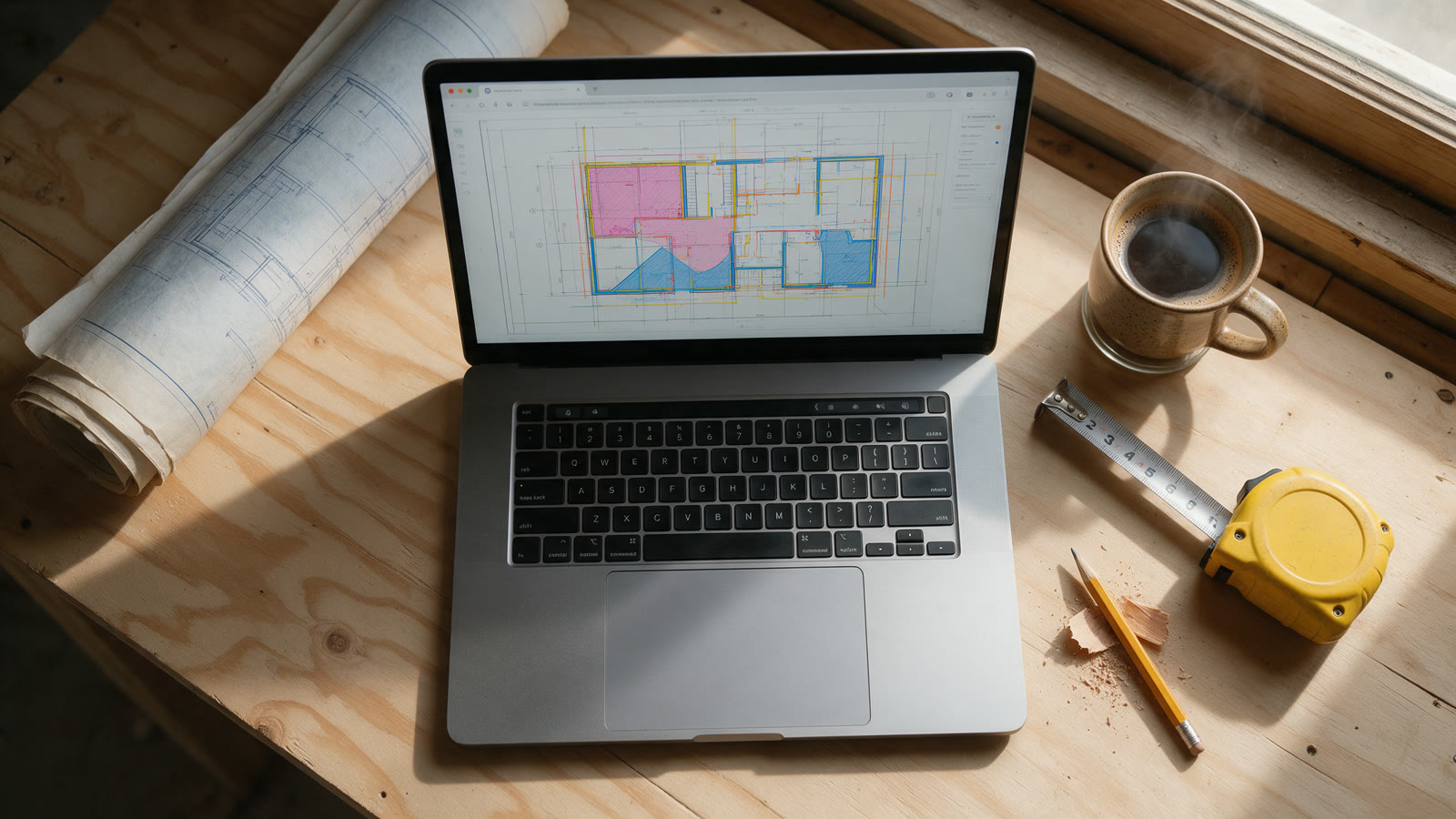
You bid work on a MacBook, and half the takeoff software category only installs on Windows. You find that out after the demo call, not before.
Most Mac owners in this trade have the same story. A plan set lands Thursday, bids are due Monday, and the tool everyone recommends wants a Windows install. This page sorts takeoff software for Mac into what runs in your browser, what needs a Windows virtual machine, and what each route actually costs you.
Which takeoff software runs on a Mac?
Takeoff software for Mac falls into three routes: browser-based tools that run on any Mac, Windows desktop tools that only run inside a virtual machine, and tools that don't run at all. Plankore, STACK, Togal.AI, Square Takeoff and Easy Takeoffs run in a browser. Bluebeam Revu, PlanSwift and On-Screen Takeoff are Windows software.
That split matters more than any feature list. A browser tool opens on a 2019 Intel MacBook Air the same way it opens on a new M3 Pro. A Windows tool needs a second operating system living inside your Mac.
Here's the detail most roundups skip.
Apple Silicon Macs (M1 and newer) can't run Boot Camp. So on any Mac bought since late 2020, a virtual machine is the only way to get Windows. And ConstructConnect's own PlanSwift help article warns that M1 and newer machines may not be able to run Windows in Parallels at all.
1. Browser
Nothing to install
Plankore, STACK, Togal.AI, Square Takeoff, Easy Takeoffs
2. Windows virtual machine
Parallels + Windows 11 ARM + a Windows licence
PlanSwift, On-Screen Takeoff, Bluebeam Revu (full desktop)
3. Not supported
Boot Camp on Apple Silicon (M1 and newer)
No Windows partition on any Mac sold since late 2020
What running Windows takeoff software on a Mac costs you
The virtual machine route has three line items before you've bought the takeoff tool itself. You need Parallels Desktop, a Windows licence, and enough RAM to run two operating systems at once.
| Component | What you need | Cost (as published, October 2026) |
|---|---|---|
| Parallels Desktop Standard | Runs Windows 11 ARM on Apple Silicon | $99.99 a year |
| Parallels Desktop Pro | More vRAM and vCPUs for heavy plan sets | $119.99 a year |
| Windows 11 licence | Required inside the VM, ARM edition on Apple Silicon | Separate purchase |
| RAM | 16 GB is a practical floor for two OSes plus a 300 page plan set | Paid at the time you buy the Mac |
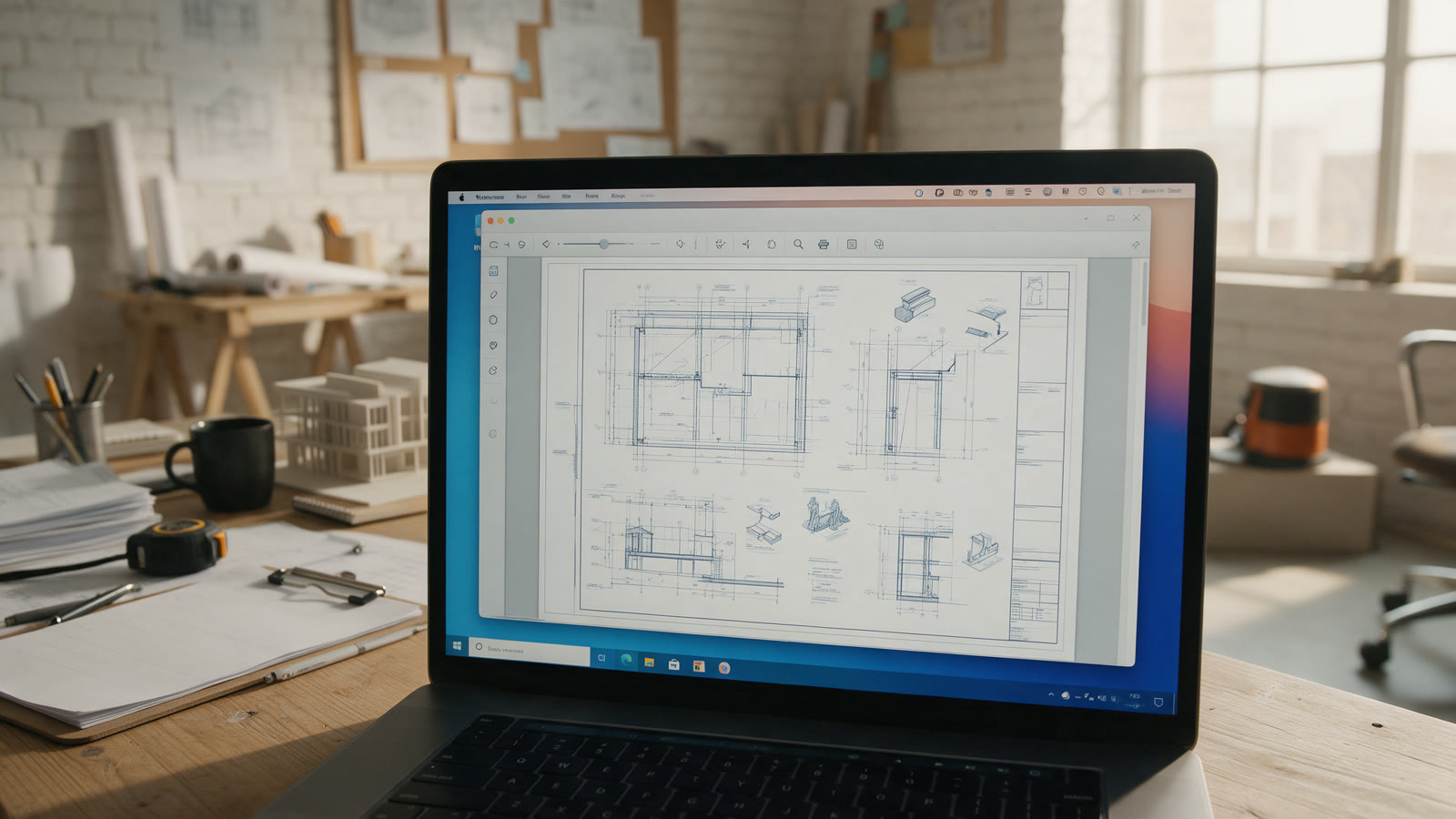
So before PlanSwift or Revu costs you a dollar, the VM route runs about $100 to $120 a year, plus a Windows licence on top. On a 16 GB MacBook, you're also splitting memory between macOS and Windows every time you open a big set.
Then there's the workflow tax nobody prices in.
The plan set lives in your Mac's Downloads folder. The takeoff tool lives in Windows. Every addendum that drops Friday afternoon means moving files across that boundary again.
ConstructConnect's help pages say the same thing in their own words: in a VM you have to be careful where you store plans and how you reset the machine.
And on PlanSwift specifically, ConstructConnect notes the stack runs through layers: M-series chip, Parallels, Windows ARM, then 32-bit PlanSwift. Each layer is a place for right-click, redraw and flicker problems to show up. Their own help docs have articles for exactly those.
Takeoff software for Mac compared
| Tool | How it runs on a Mac | Install | Free option | Price (dated) | Where it wins |
|---|---|---|---|---|---|
| Plankore | Browser | None | 7-day Pro trial, no card | Pro $49 per user per month, or $499 per user billed yearly | Takeoff, estimating grid and Excel export in the browser, lowest AI seat price here |
| Bluebeam Revu | Windows 11 ARM in Parallels, or Bluebeam on the web | VM, or none for web | Trial | Basics $260, Core $330, Complete $440, Max $590 (introductory) per user per year | Markup and document review depth |
| PlanSwift | Windows in a VM only | Windows install | 14-day trial | Essential $2,000, Core $3,000 per seat per year | Mature assemblies, large installed base |
| On-Screen Takeoff | Windows in a VM only | Windows install | Demo | Quote only | Pairs with Quick Bid for estimating |
| STACK | Browser | None | Free account offered | Takeoff & Estimate from $299 per user per month | Cloud takeoff plus estimating for most trades |
| Togal.AI | Browser | None | Self-serve trial | Growth $299 per user per month, billed yearly | Auto-detection on architectural floor plans |
| Square Takeoff | Browser | None | No free plan | $249 a month, $599 a quarter, or $1,699 a year | Mac and PC, roofing tools |
| Easy Takeoffs | Browser | None | 14-day trial | $39 a month or $399 a year | Lowest published price for a paid web tool |
Prices and platform notes checked on each vendor's own pricing page on 20 October 2026. Prices in this category move, so check before you buy.
Read the table by the second column first. If your Mac is your only computer, anything in a VM row costs you the VM line items above, on top of the licence.
Bluebeam on a Mac: what works and what doesn't
Revu has no native Mac app, and Bluebeam says so directly. (Bluebeam also ends support for older perpetual seats this year, covered in our Revu 20 end of life guide.) Its support page lists three routes: Bluebeam on the web at app.bluebeam.com, Revu for Windows inside Parallels running Windows 11 ARM, and the Bluebeam iPhone and iPad app installed on the Mac.
Only the Parallels route gives you full Revu. Bluebeam's own page says Parallels is the option for Mac users who need every Revu feature. The web version is lighter, and if your takeoff habit depends on Revu's measurement tools, test it on a real plan set before you commit.
One trap on Windows on ARM: Revu's ARM build needs Windows 11 24H2 or later. Users on the Parallels forum hit an install error on older Windows builds and had to update or rebuild the VM. That's an evening gone before your first measurement.
If you're weighing a switch, our Bluebeam alternatives comparison sorts the options by job.
And watch the tier. Dynamic Fill, the feature that makes area takeoff fast in Revu, sits in the Complete tier ($440 a year) and above, per Bluebeam's pricing page in October 2026. Basics doesn't even measure perimeters.
Buy Basics to save money and you've bought a markup tool, not a takeoff tool.
PlanSwift and On-Screen Takeoff on a Mac
ConstructConnect is clear: none of its desktop takeoff and estimating apps install directly on macOS. You run Windows first, through Boot Camp on an older Intel Mac or a virtual machine on anything newer.
Its PlanSwift article goes further. ConstructConnect says it only tests PlanSwift on native Windows machines and can't guarantee your Mac setup will work. On M1 and newer chips, it warns PlanSwift may not install at all.
That's not a knock on the software.
PlanSwift has years of assemblies behind it and a big installed base of estimators who know it cold. If you already own a seat and Parallels runs it fine on your machine, keeping it is a reasonable call. Switching costs you a rebuild of every assembly you've set up.
On-Screen Takeoff follows the same rule. Windows only, quote-based pricing, and the strength is the loop with Quick Bid. Shops already living in that pairing have a reason to stay, even on Macs.
Try Plankore on your Mac
Plankore runs in your browser on a Mac with nothing to install. Every new account starts with a 7-day free trial of Plankore Pro, no credit card, capped at 3 projects. Here's what you get:
- Area, linear and count takeoff on commercial or residential sheets
- Smart tools and AI floorplan takeoff for rooms, walls, windows and doors
- An Excel-style estimating grid with cost, waste factor and markup
- Excel export in your own bid format
- Document text search across the plan set
- Real-time collaboration with your team
After the trial, Plankore Pro is $49 per user per month, or $499 a year. If you only need markup and collaboration, Collaborator is $19 per user per month and has no takeoff tools. Check current pricing before you decide.
If you'd rather not do the takeoff yourself, Plankore also takes off framing plans for you.
Where Plankore falls short
No tool fits every shop, and a Mac post that hides the limits isn't worth reading.
- No free plan. You get 7 days of Plankore Pro to try it, then it's a paid seat.
- Smart Linear needs a vector PDF. On a scanned set, nothing highlights, so you fall back to plain Linear and trace it.
- Collaborator has no takeoff tools. It's for markup and review; takeoff and estimating need Pro.
- No published integrations. No QuickBooks, Procore or Sage connector. Excel export is how your numbers move into your existing bid sheet.
- AI is a first pass. Every AI quantity shows its source sheet, formula and assumptions, and you still check every number.
If full auto-measure on architectural floor plans is what you need today, go look at Togal.AI. That's their strength, and it's worth a demo.
Which Mac setup fits your shop
Three decisions cover most Mac owners.
You already own PlanSwift or Revu and Parallels runs it fine: keep it. Rebuilding years of assemblies to save a $120 Parallels subscription is bad math.
You bid 3 or fewer jobs a month and you don't own a Windows tool: start on a browser tool. No VM, no Windows licence, no RAM split. With Plankore's 7-day trial you're taking off the same evening you sign up.
You bid every week and want AI on floor plans: look at browser tools with AI detection. Try Plankore's 7-day Pro trial on a real set, and compare it against STACK or Togal's demo on the same sheets. Check current pricing before you decide, because prices in this category move.
You've got two real choices: pay the VM tax to keep a Windows tool, or move your takeoffs into the browser. If it's the second, start a 7-day free trial in your browser, no card, and take off your next set tonight.
Frequently Asked Questions
Does PlanSwift work on a Mac?
Not directly. PlanSwift is Windows software, so you run it inside Windows using Boot Camp on an older Intel Mac or a virtual machine like Parallels. ConstructConnect only tests PlanSwift on native Windows and warns that Macs with M1 and newer chips may not be able to install it at all.
Does Bluebeam work on a Mac?
Bluebeam Revu has no native Mac app. Bluebeam lists three routes on macOS: Bluebeam on the web in your browser, Revu for Windows running in Parallels with Windows 11 ARM, or the Bluebeam iPhone and iPad app on a Mac. Only the Parallels route gives you the full Revu feature set.
Is there free takeoff software for Mac?
Plankore has no free plan, but it runs in any modern browser on a Mac with nothing to install, and every new account gets a 7-day free trial of Plankore Pro with no credit card. After the trial, Pro is $49 per user per month or $499 per year, with takeoff, AI floorplan takeoff, an estimating grid and Excel export. STACK publishes a limited free plan of 1 project a month.
Can I run takeoff software on an M-series Mac?
Yes, two ways. Browser-based tools like Plankore, STACK and Togal.AI run on M1, M2 and M3 Macs with nothing to install. Windows tools need Parallels running Windows 11 ARM, because Apple Silicon Macs can't use Boot Camp, and some older Windows takeoff apps may not install there.
Do I need Parallels to do takeoffs on a Mac?
Only if you want Windows-only software like PlanSwift, On-Screen Takeoff or full Bluebeam Revu. Parallels runs about $100 to $120 a year as published in October 2026, plus a Windows licence. Browser-based takeoff tools need no Parallels, no Windows licence and no install on your Mac.