
Plans — Core vs Pro
What Core (free) and Pro (Beta) include, how the 14-day trial works, and where to see your plan and usage.
The two plans
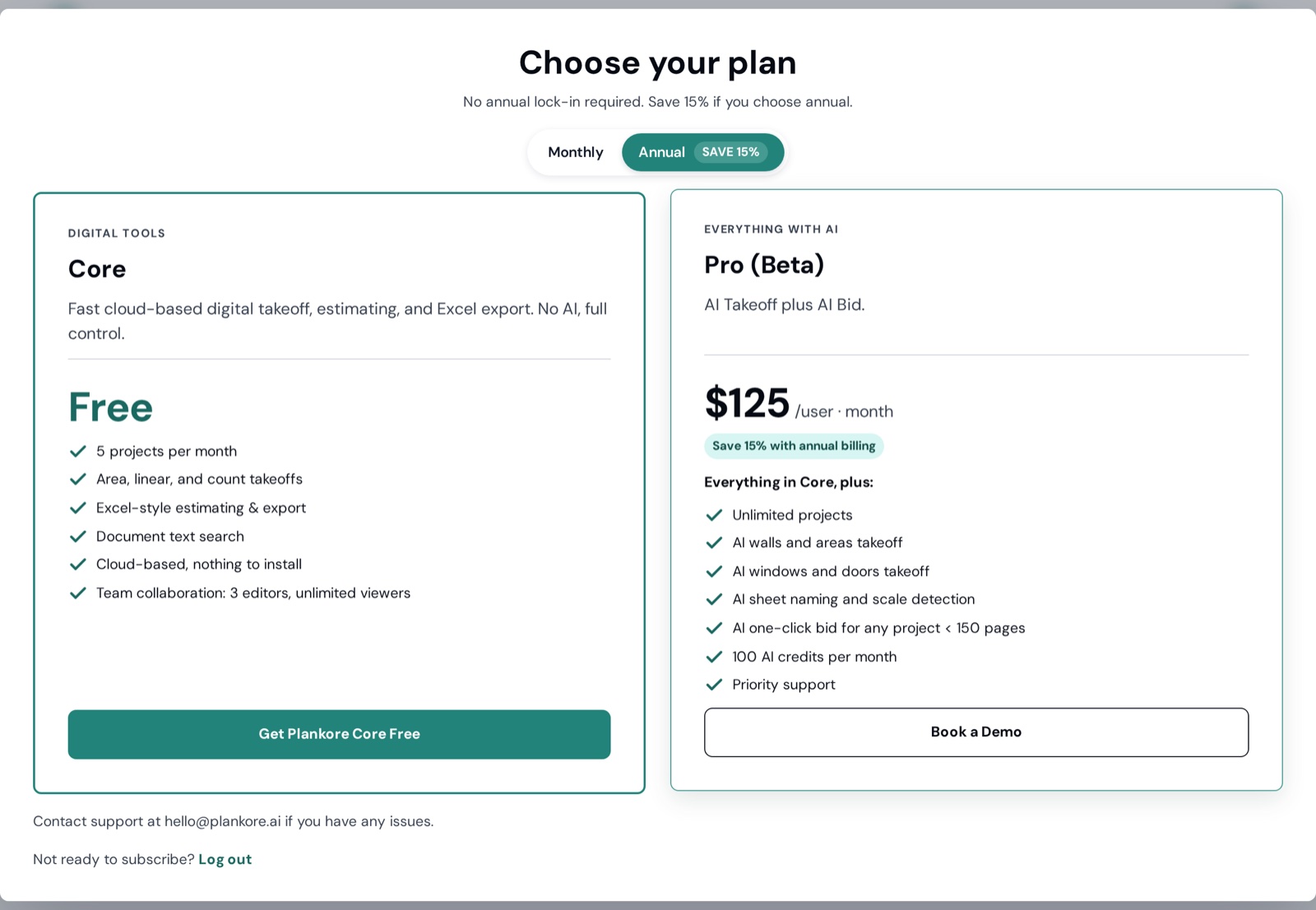
| Core — Digital tools | Pro (Beta) — Everything with AI | |
|---|---|---|
| Price | Free | Monthly or annual (annual saves 15 %), after a 14-day free trial |
| Projects | 5 projects per month | Unlimited projects |
| Area, linear and count takeoffs | ✓ | ✓ |
| Excel-style estimating & export | ✓ | ✓ |
| Document text search | ✓ | ✓ |
| Cloud-based, nothing to install | ✓ | ✓ |
| Team collaboration | 3 editors, unlimited viewers | ✓ |
| AI walls and areas takeoff | — | ✓ |
| AI windows and doors takeoff | — | ✓ |
| AI sheet naming and scale detection | — | ✓ |
| AI one-click bid (any project < 150 pages) | — | ✓ |
| AI credits | — | 100 per month |
| Priority support | — | ✓ |
Core: "Fast cloud-based digital takeoff, estimating, and Excel export. No AI, full control." Pro: "AI Takeoff plus AI Bid" — everything in Core, plus the AI features.
Free trial
When you first sign in you choose a plan: Get Plankore Core Free (no card), or Start 14-Day Free Trial of Pro — a card is required (Save card & start free trial) and the trial converts to a paid subscription at the end unless you cancel. You can switch monthly/annual before starting.
See your plan and usage
Account → Plan & billing is one card:
| Row | What you'll see |
|---|---|
| Plan | Core or Pro |
| Status | Active · Free, Free trial, Active, Past due, Canceled or No subscription |
| Projects this month | N / 5 on Core; unlimited on Pro |
| Billing | No payment required on Core; on Pro your card, Next billing date and Trial ends / Renews on / Access until |
Storage and document limits across all projects appear under Related documents in any project.
Change card or cancel
Same page: Change card opens a secure card form; Cancel subscription ends renewal — you keep access until the date shown as Access until.
Something isn't enabled
"This feature is not enabled for your account. Upgrade your plan or contact your administrator." — the feature belongs to a higher plan, or the project owner hasn't enabled it. Owners can upgrade under Plan & billing.