The project hub
Find your way around the dashboard, see your monthly project count, and rename or delete projects.
When you sign in, the first thing you see is the project hub. It lists every project you've created and every project someone has shared with you.
My projects and shared with me
The hub has two tabs.
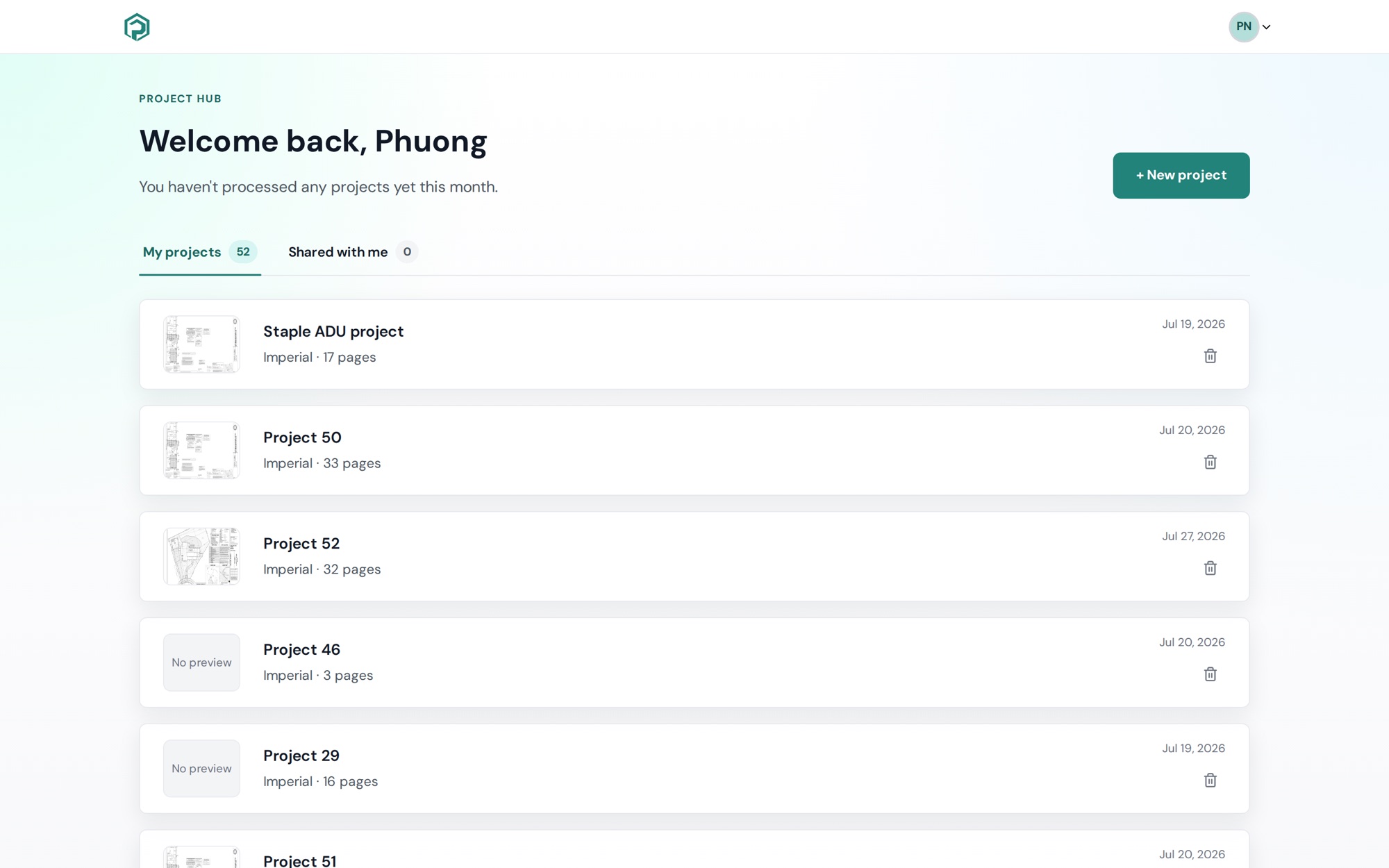
My projects shows the projects you created. Each card shows the project name, its units and page count, the date you created it, and a preview of the first page.
Shared with me shows projects other people have invited you to. A project only appears here after you accept the invite. Each card shows your role (Editor or Viewer), who owns the project and who invited you. You can open these projects, but you can't rename or delete them. To learn more about roles, see Share a project and manage members.
The number next to each tab tells you how many projects it holds. The hub shows 10 projects at a time. If you have more, use Prev and Next to move between pages.
Your monthly project count
Just under the welcome message, the hub shows how many projects you've processed this month.
On Free Forever, and during your 10-day trial, you can create 3 projects a month. A paid Plankore Pro subscription has no limit. See Free Forever vs Pro.
Start a new project
Click + New project in the top right corner. If you don't have any projects yet, you'll see the button in the middle of the page instead. For the steps, see Create your first project.
Rename a project
You can rename a project from three places:
- On the hub, click the pencil icon on the project card, type the new name and click Save.
- Inside the project, click the project name at the top of the screen.
- On the Project Details tab, click the project name.
If you see "Project name is required.", the name box is empty. If you see "Could not rename project.", try again.
Delete a project
On the hub, click the trash icon on the project card. Then click Delete project to confirm.
There's no archive yet. If you only want old work out of the way, it's fine to leave the project where it is.
Still need help?
Email hello@plankore.ai and we'll reply within 48 hours. So we can find your work quickly, include the email you sign in with and the name of the project.